

Video tutorial music and sound behaviors

The_Gamesalad_GuruThe_Gamesalad_Guru Member Posts: 9,922
edited May 2012 in Working with GS (Mac)
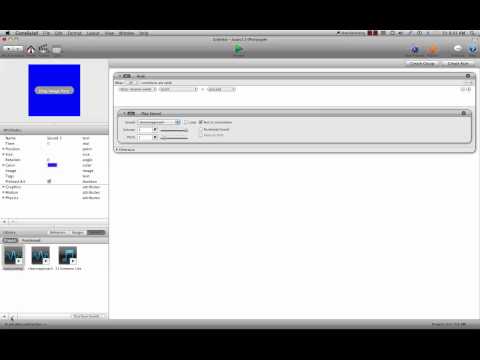
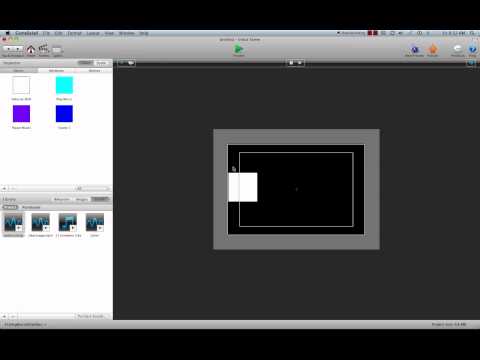
A three part series on what are and how to use the music and sound behaviors. I also debunk many of the myths and wives tales about these behaviors.


Comments

  • The_Gamesalad_GuruThe_Gamesalad_Guru Member Posts: 9,922
    Bump
  • IsabelleKIsabelleK Member, Sous Chef Posts: 2,807
    edited May 2012
    Very interesting and useful videos, thank you for making, and sharing them! :)

    BTW, you have a very good voice for such things!

    I just watched the third part - as far as I know "Run to Completion" in the sound behavior, works that way:
    You click the button, sound starts, and you change the scene - if you have "Run to Completion" checked, the sound will be present also in the second scene, till it ends. If you have "Run to Completion" unchecked it will end when you change the scene.
  • The_Gamesalad_GuruThe_Gamesalad_Guru Member Posts: 9,922
    edited May 2012
    Yes that I knew but for some reason I remember sounds cutting off others but I was wrong about that I guess. I always use run to completion as I layer my FX that trigger in GS but I remember a few versions back when trying to fix the android delay in my game that some sounds were cutting out when another played but that could have just been a glitch I had. Oh an BTW Thanx yes I was in radio and have had formal voice training but I have to watch my hums I did it too many times for my liking..lol
  • SlickZeroSlickZero Houston, TexasMember, Sous Chef Posts: 2,870
    Way to go Dave. Good videos.
  • The_Gamesalad_GuruThe_Gamesalad_Guru Member Posts: 9,922
    Thanx @slickzero I thought it was time as a lot of questions surrounded these behaviors and there was a lot of misinformation floating around and gaining traction.
  • rommaromma Member Posts: 114
    Thanks for taking the time, will review them tomorrow!
Sign In or Register to comment.