

Help with Universal Builds and Pause Scene Behavior!
Hi Guys! I'm making my first game and it's going very good but this night I found a terrible problem!
I was working following Tshirtbooth's tutorial on the Universal Bulds on Youtube (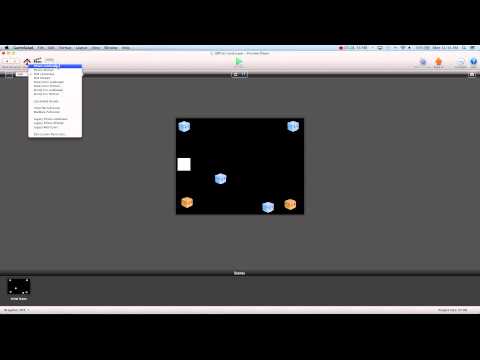 ), I have a menu scene (iPad 1024 x 768) with the actor that changes the camera settings, in that scene there's an options button with the behavior "Pause Scene", in the options scene too there's the actor that changes the camera settings, the problem is: when I set the iPhone Landscape in the Preview (crop) and I press the options button, it goes to my options scene (with a quite transparency background) but in my menu scene the camera origin returns 0 and the back scene is cut in the top part. I'm Italian and I also did a screenshot so you can understand better https://mega.co.nz/#!w9Un2KAI!DlADsW9b4dlSDBMh7kxQInDfBhdwAd2XH8-sINzfa8w. Let me know guys and thanks already for your help and support!!
I was working following Tshirtbooth's tutorial on the Universal Bulds on Youtube (
), I have a menu scene (iPad 1024 x 768) with the actor that changes the camera settings, in that scene there's an options button with the behavior "Pause Scene", in the options scene too there's the actor that changes the camera settings, the problem is: when I set the iPhone Landscape in the Preview (crop) and I press the options button, it goes to my options scene (with a quite transparency background) but in my menu scene the camera origin returns 0 and the back scene is cut in the top part. I'm Italian and I also did a screenshot so you can understand better https://mega.co.nz/#!w9Un2KAI!DlADsW9b4dlSDBMh7kxQInDfBhdwAd2XH8-sINzfa8w. Let me know guys and thanks already for your help and support!!
Comments