

How to make a piller reach the middle of the screen?
 Pyrite
Member Posts: 47
Pyrite
Member Posts: 47
So, I tried using Accelerate and other stuff, but it wouldn't work.
Here is a picture of what I want it to do!
http://gyazo.com/abc0b28919e8b179f287dc3cd4c7dacb
(I want the bottem green piller to reach the middle of the screen, then after 2 seconds
I want it to drop back down!)
I already know about Timers, so that isn't the problem, the problem it self is I don't know how to make it move up then down!
Please help!
(P.S: I don't know if I posted this in the right area!)
Here is a picture of what I want it to do!
http://gyazo.com/abc0b28919e8b179f287dc3cd4c7dacb
(I want the bottem green piller to reach the middle of the screen, then after 2 seconds
I want it to drop back down!)
I already know about Timers, so that isn't the problem, the problem it self is I don't know how to make it move up then down!
Please help!
(P.S: I don't know if I posted this in the right area!)
Best Answer
-
tatiang Posts: 11,949
This video might not look like what you need, but it is. Making an actor "pace" is basically what you're wanting to do, except in your case it's vertically.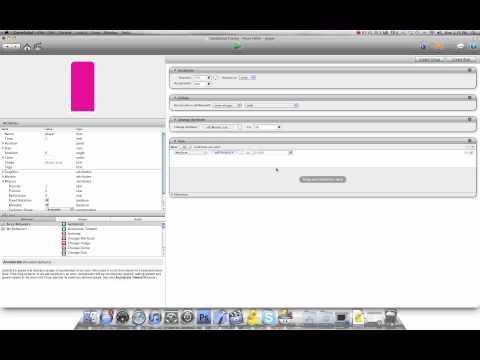
Answers