

Problems with camera moving
 v00d0
Member Posts: 143
v00d0
Member Posts: 143
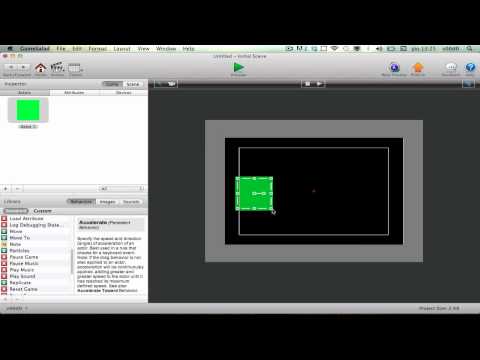
Hi guys, i'v having troubles with the camera moving. I tried to move the camera orizzontaly to the offset screen. So i tried to interpolate the camera origin coordinates after a particular event, but it don't stop moving, then i tried to use move to, but it don't stop moving. Then i tried to use move to with a normal actor (to test it out) but it's the same: it don't stop moving,
check the video below.
This is a test with an actor but i've to move only the camera, that, isn't connected to any actor, it have to move by itself's.
Thanks a lot.
check the video below.
This is a test with an actor but i've to move only the camera, that, isn't connected to any actor, it have to move by itself's.
Thanks a lot.


Answers
You know you don't have the "Control Camera" behavior in that actor, right?
Maybe I don't understand your question.
You can move the camera instantly with an actor that is unlock.
Change attribute - currentscene.camera.origin X or Y.
is that what you want ?