

This is how to drag a lot of actors by pressing one of them! or make it move beside the touch.
 OskarDeveloper
Member Posts: 533
OskarDeveloper
Member Posts: 533
I have read ALOT of threads here on the gs forum with the same problem! So I thought I can post my solution to it in a new thread so here it is! 
Just add or subtract the number of pixels form the mouse position to where you want the actor to be.
When mouse button is down:
- constrain attr: self.position.x to mouse.position.x (+ or -) [some pixels]
- constrain attr: self.position.y to mouse.position.y (+ or -) [some pixels]
if you want a lot of actors to move at the same time simply add a boolean attr to the game. Then add a rule in every actor you want to move that says "when touch is pressed turn boolean to true". Then type when boolean is true do this
- constrain attr: self.position.x to mouse.position.x (+ or -) [some pixels]
- constrain attr: self.position.y to mouse.position.y (+ or -) [some pixels]
@creativeapps got a great video on how this looks in the creator!
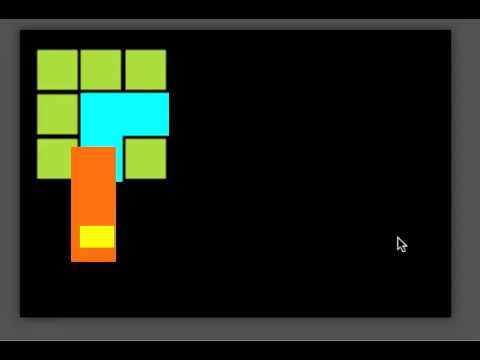
Just add or subtract the number of pixels form the mouse position to where you want the actor to be.
When mouse button is down:
- constrain attr: self.position.x to mouse.position.x (+ or -) [some pixels]
- constrain attr: self.position.y to mouse.position.y (+ or -) [some pixels]
if you want a lot of actors to move at the same time simply add a boolean attr to the game. Then add a rule in every actor you want to move that says "when touch is pressed turn boolean to true". Then type when boolean is true do this
- constrain attr: self.position.x to mouse.position.x (+ or -) [some pixels]
- constrain attr: self.position.y to mouse.position.y (+ or -) [some pixels]
@creativeapps got a great video on how this looks in the creator!